Good surveying, slow paperwork
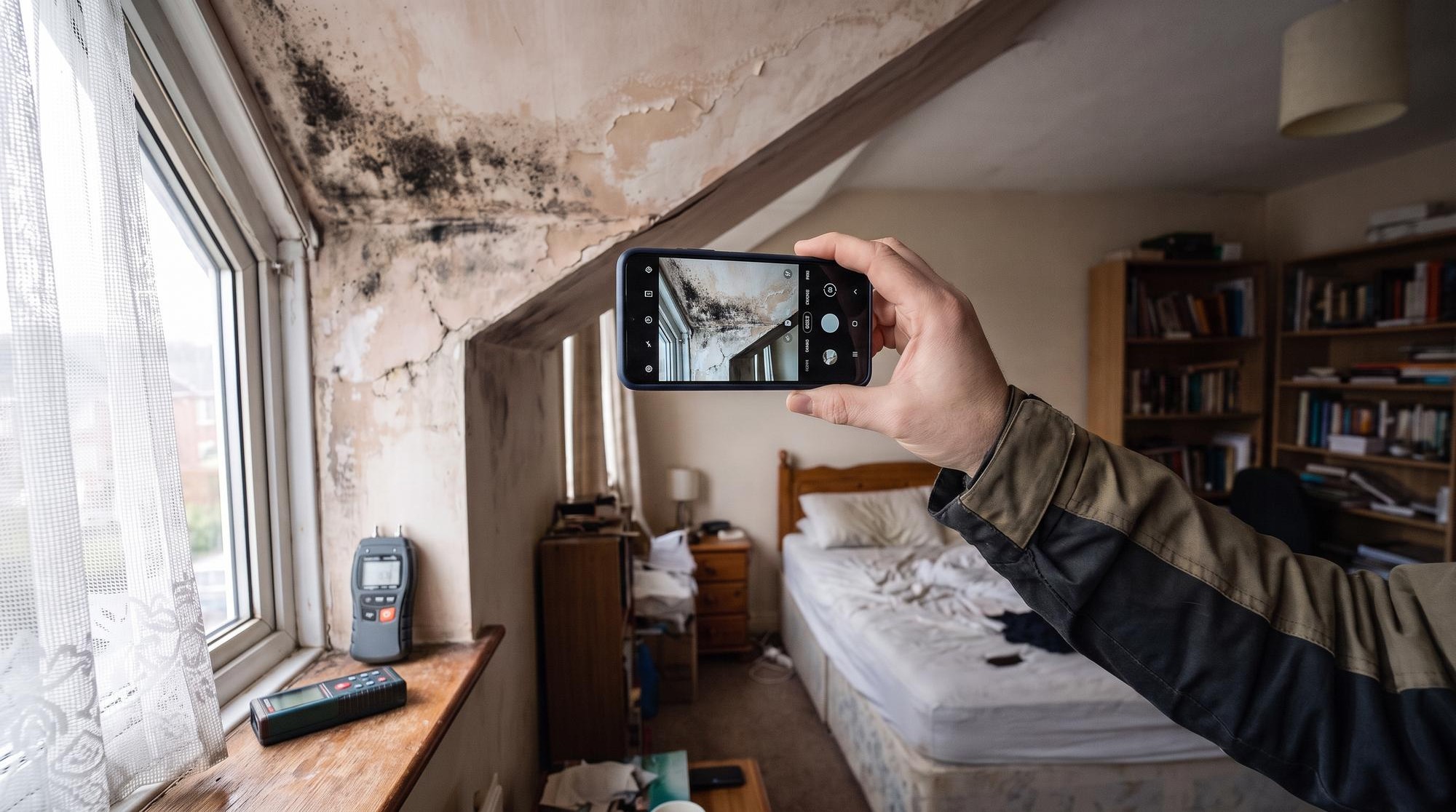
On site, every photo meant leaving for the phone's own camera: snap, tap Use Photo, wait. Back at the desk, the second half of the job started.
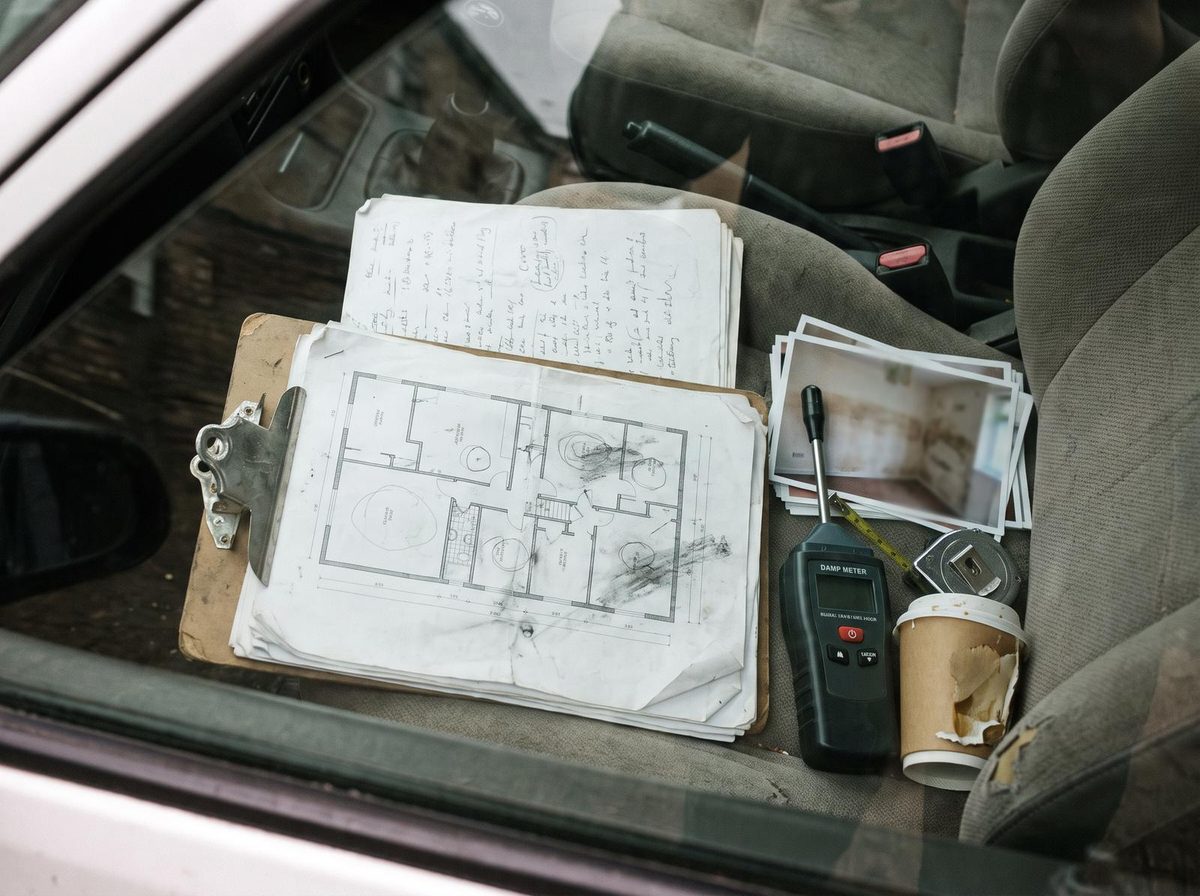
- Room folders had to match his workbook exactly, or his spreadsheet macro couldn't line the photos up with his findings.
- The same findings were typed into three separate sheets, with no formulas linking them.
- Boiler and meter serial numbers were copied off photos by hand.
None of that is surveying, and most of it is work the phone can do.
 Before
See it in use
Twelve seconds of the app: opening a case, picking rooms, rating the kitchen and exporting.
From the front door to the finished report
-
Open the case
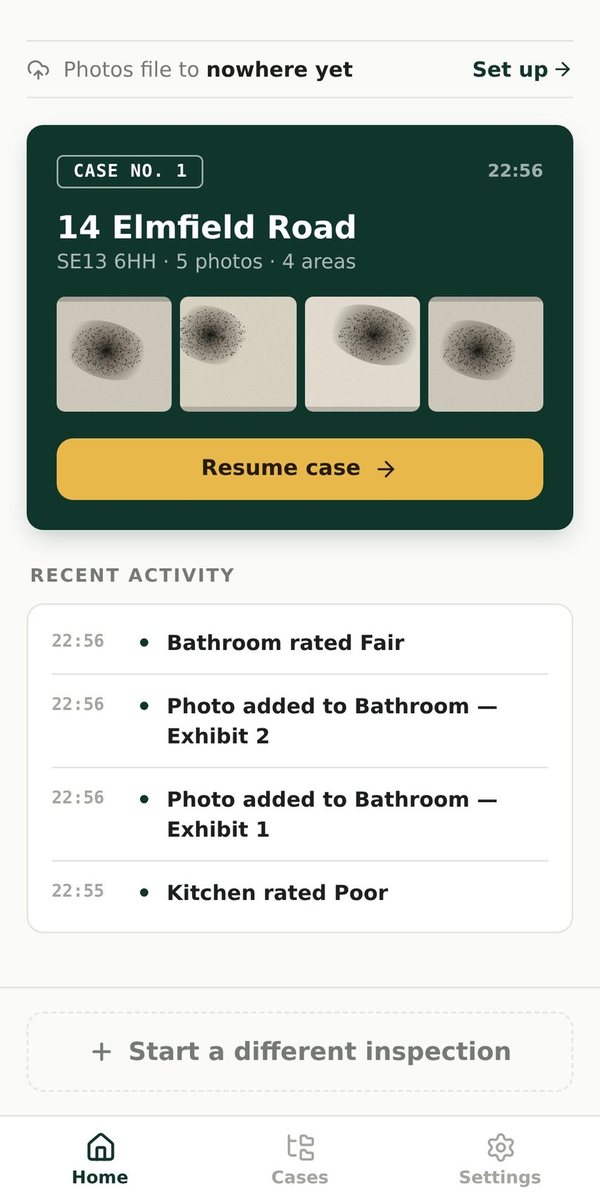
Every job in one list, with recent activity. Pick up where you left off.
-
Pick the rooms
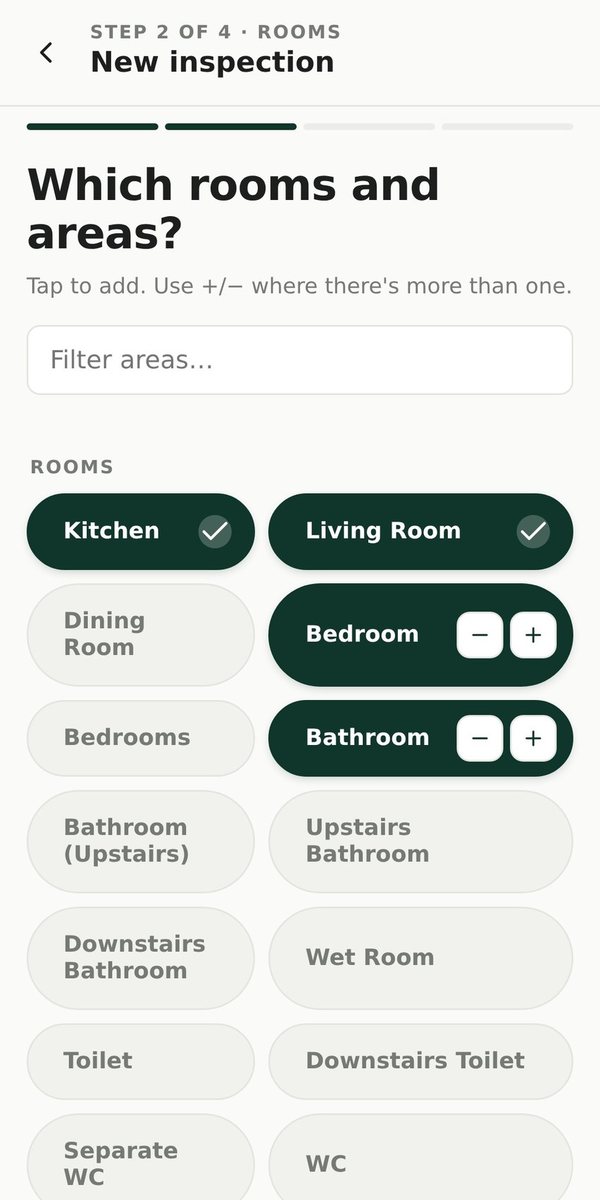
Type the address, scan it from a QR code or read it off a letter. Rooms come from his own presets, so folder names always match.
-
Walk the property
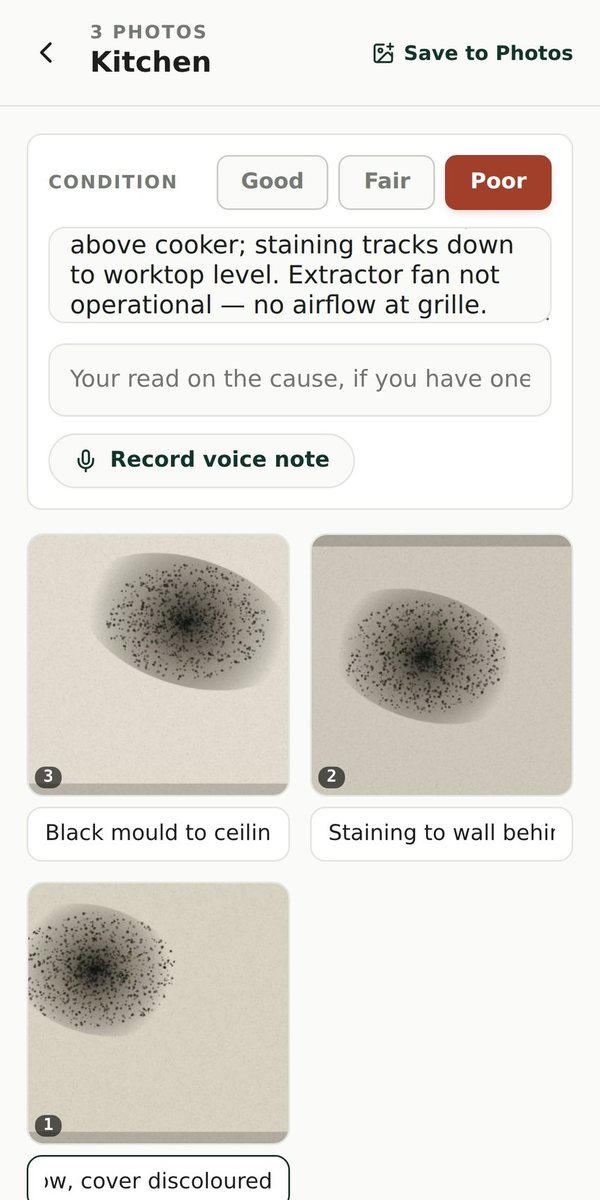
Rate each room Good, Fair or Poor. Add photos and notes, take readings, record a voice memo. One tap opens an issue.
-
Export
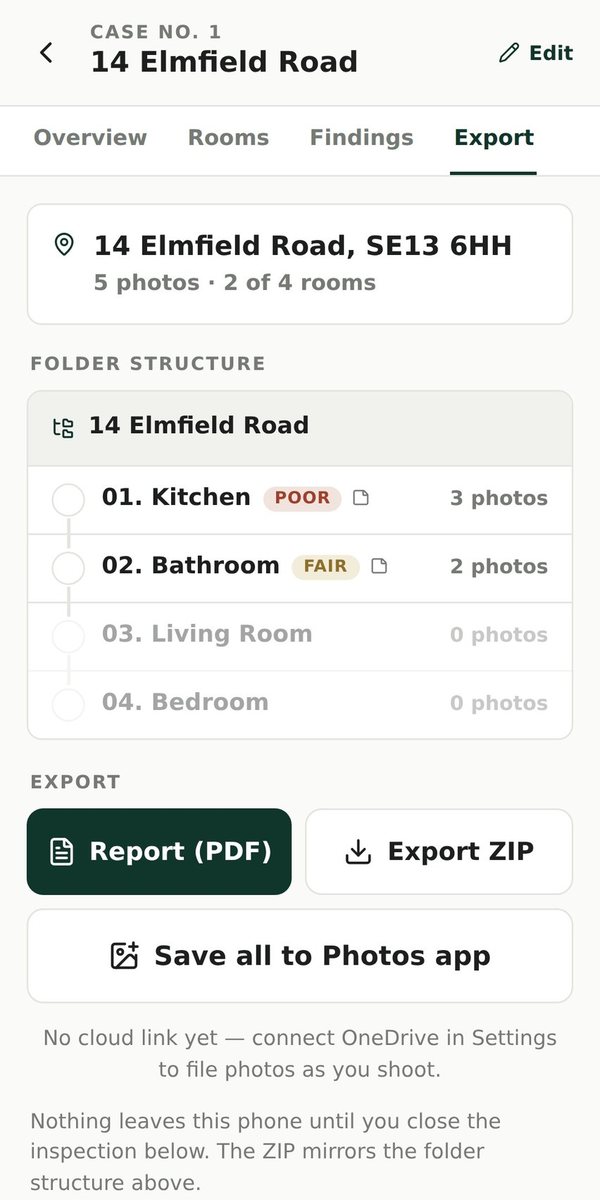
A PDF report, a ZIP of numbered folders, his own spreadsheet templates filled in, or straight to OneDrive or Google Drive.
The decisions that shaped it
Works with no signal
Photos and cases are saved on the phone, so a dead spot never loses work. Reading text off photos runs on the phone too.
AI drafts, the surveyor decides
The AI suggests each finding, but legal references and hazard types can only come from fixed lists, and prices are worked out in code. He approves every finding one by one.
Every finding approved one at a time
A live trial showed that a wrong finding could pass every automated check, so there is no bulk approve. Each finding is approved individually, which means an unchecked finding can't reach a report.
Fits the way he already works
His existing macro spreadsheets are filled in directly, so nothing further down his process had to change.
What the client says
“I used to do a lot of the report work by hand. The app Adnan built around the way I work saves me over 20 hours a week on disrepair reports, the reports are better, and I have that time back for my family.”
Version 2.1 is live and in use on real inspections.
The parts he relies on every day are proven: filing photos and notes under the right room, working without signal, and filling in his report templates. The AI drafting of findings is in use but still being checked against each new batch of inspection photos. That's why he approves every finding before it reaches a report.
What you can see or try
- A 12-second video and screenshots of the app.
- The app is for the surveyor's own use, so there's no public version to try.
What's next
- Load his real prices into the price book
- Finish checking the AI drafting against real inspection photos
- Move it onto its own web address
Built with
- React
- Installable web app
- On-phone storage
- Node
- Claude
- Whisper
- Railway
Want one for your own surveys?
SiteSnap belongs to the surveyor it was built for. Yours would be your own app, shaped around your room list and report templates, Word included. The same approach works for any inspection or site visit that takes longer to write up than the visit itself.
Custom apps start from £2,500. After a free call, you'll get a written proposal with the price and timescale. You own what I build from day one, and fixes are included for 30 days after launch.